JPG · JPEG · PNG · WEBP · etc
ConvertDPI.com makes it easy to convert DPI of image files in just a few clicks. Whether you need 72 DPI for web use, 300 DPI for high-quality printing, or 600 DPI for professional projects, our tool handles the process quickly and accurately. No technical skills or software installation are required. Simply upload your image, choose the desired DPI setting, and get your converted file instantly. Everything works directly in your browser, making image DPI conversion fast, convenient, and accessible for everyone.
How to Use Image DPI Converter (Practical Workflow)
- Upload your image (JPG, JPEG, PNG, Webp or PDF) directly from your device
- Enter your desired DPI value (e.g. 72 for web, 150 for basic print, 300 or 600 for high-quality output)
- Click the convert button to update the image’s DPI metadata without changing its actual pixels
- Download the updated file instantly, ready for printing, sharing, or submission
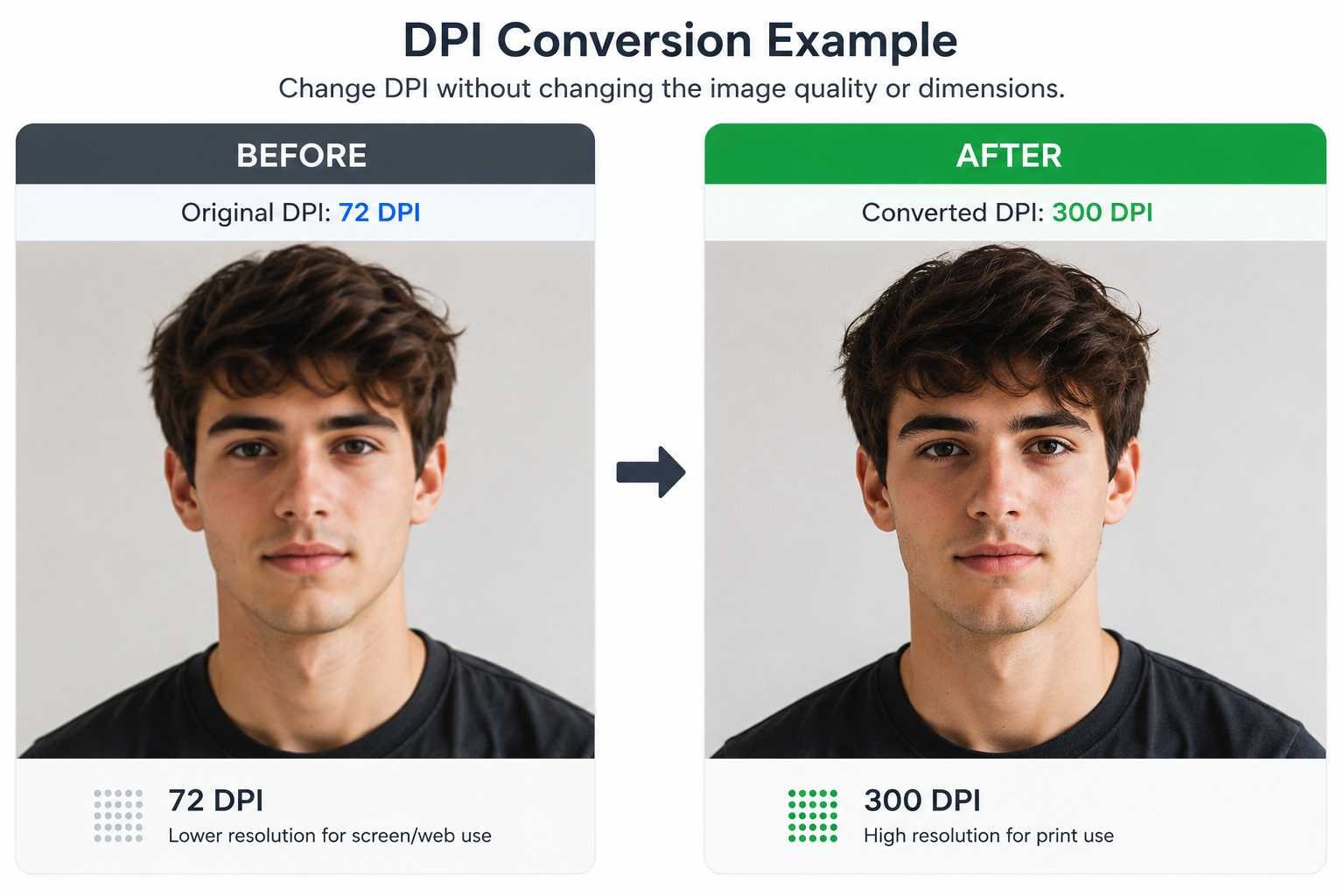
This process takes only a few seconds and requires no technical skills or software installation, see under image how well our software performed by changing dpi of image.
What Is DPI and How Does It Work in Images?
DPI (dots per inch) is a key image property stored in the metadata of a file, rather than being part of the actual visual content. Changing the DPI of an image does not affect its real quality or pixel resolution, but it determines how the image is interpreted when printed. Higher DPI values result in sharper and more detailed prints, while lower DPI produces larger but less dense output. For example, a 300 DPI image prints much clearer than the same image at 72 DPI, even though both contain identical pixel data.
Example DPI Conversions
| Original DPI | Converted DPI | Intended Use |
|---|---|---|
| 72 DPI | 300 DPI | Print production |
| 150 DPI | 300 DPI | Photography |
| 96 DPI | 600 DPI | High-detail design |
| 300 DPI | 72 DPI | Web publishing |
Traditionally, changing DPI required software like Microsoft Paint, Adobe Photoshop, or Illustrator, which can be time-consuming. Online tools like ConvertDPI.com make it quick and easy to adjust DPI directly in your browser without affecting the original pixels. The tool supports formats like JPG, PNG, TIF, BMP, and ICO, allowing custom DPI settings for printing, academic submissions, or professional projects.
DPI, sometimes called PPI (pixels per inch), mainly matters for print, as screen displays depend on pixel dimensions. For best results, use high-resolution source files when converting DPI.
Recommended DPI Values
| Application | Recommended DPI |
|---|---|
| Web graphics | 72–96 DPI |
| Office printing | 150–200 DPI |
| Professional printing | 300 DPI or higher |
| Large format printing | 600 DPI or higher |
Frequently Asked Questions (FAQ)
Q1: What is DPI in images?
A: DPI (dots per inch) is a value stored in an image’s metadata that determines how densely it prints on paper. It does not change the image’s actual pixel quality.
Q2: Can I change DPI without affecting image quality?
A: Yes. Tools like ConvertDPI.com update the DPI metadata without altering the original pixels, keeping the image quality intact.
Q3: What DPI should I use for printing photos?
A: For professional-quality prints, use 300 DPI or higher. For web graphics, 72–96 DPI is sufficient.
Q4: Is DPI the same as PPI?
A: They are related but different. DPI refers to printer dots per inch, while PPI refers to pixels per inch on screens. For print, DPI is what matters most.
Q5: Which image formats support DPI conversion?
A: Common formats like JPG, PNG, TIF, BMP, and ICO support DPI adjustments.
Conclusion
Converting image DPI is a quick and essential step when preparing files for different uses, especially printing. With tools like ConvertDPI.com, you can easily update DPI metadata without affecting the actual image quality or dimensions. Whether you need lower DPI for web use or higher DPI for professional printing, the process is simple, fast, and requires no technical skills. By choosing the right DPI and using a reliable tool, you ensure your images look sharp, clear, and suitable for their intended purpose.